How can we help you today?
Step-by-step guides, tutorial videos and answers to common questions - everything you need to put Noa, Tal and Ido to work for your business.
By topic
Every Bambook module with its own guides
Getting started
Sign up, onboarding, your first product and the first steps with the AI team.
3 guides · 2 videosBrand identity
The interview with Noa, brand kit, logo and colors, your brand influencer.
3 guides · 3 videosOrganic content
The content calendar, weekly or monthly plans, approval, scheduling and publishing.
2 guidesPaid campaigns
Building a Meta campaign, concepts, creative, budget and approvals.
1 guideLeads & sales
Importing leads, the pipeline, call scripts, tasks and WhatsApp.
2 guidesFinance
Pricing and profitability, expenses, goals and forecasts with Ido.
1 guideConnections & integrations
Telegram, TikTok, WhatsApp Business, Google Sheets and what is coming.
6 guidesAccount & billing
Users and permissions, AI credits, plans, language and account settings.
2 guidesTutorial videos
Your first steps in Bambook, in short videos
 Step 11:00
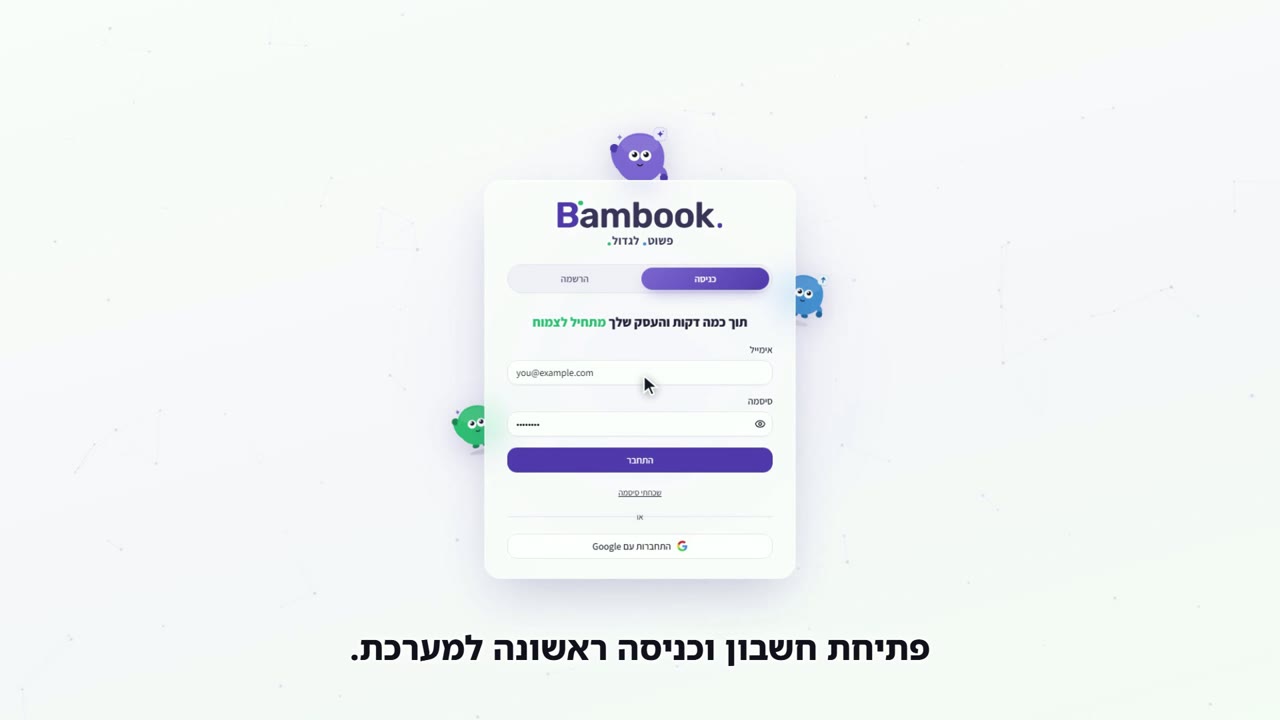
Sign up and log in
Create an account, confirm your email and log in for the first time.
 Step 21:01
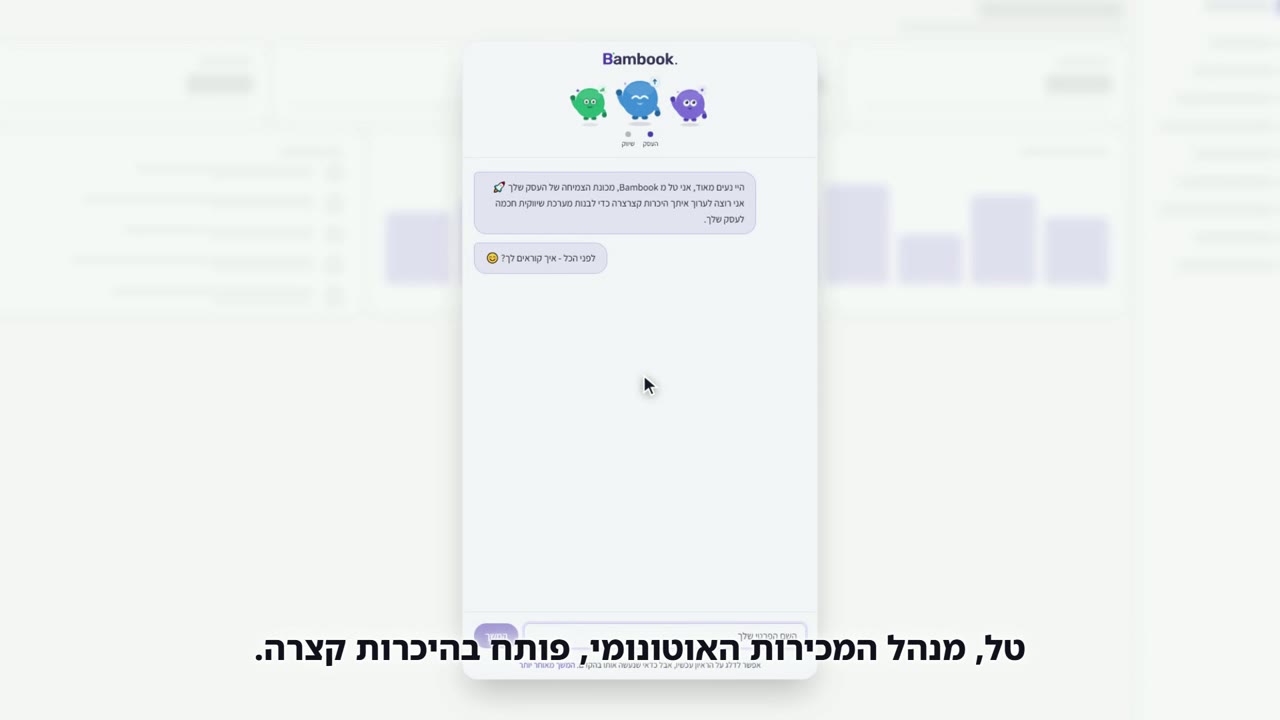
Onboarding: meet your business
Seven short questions with Tal that shape all of your marketing.
 Step 31:01
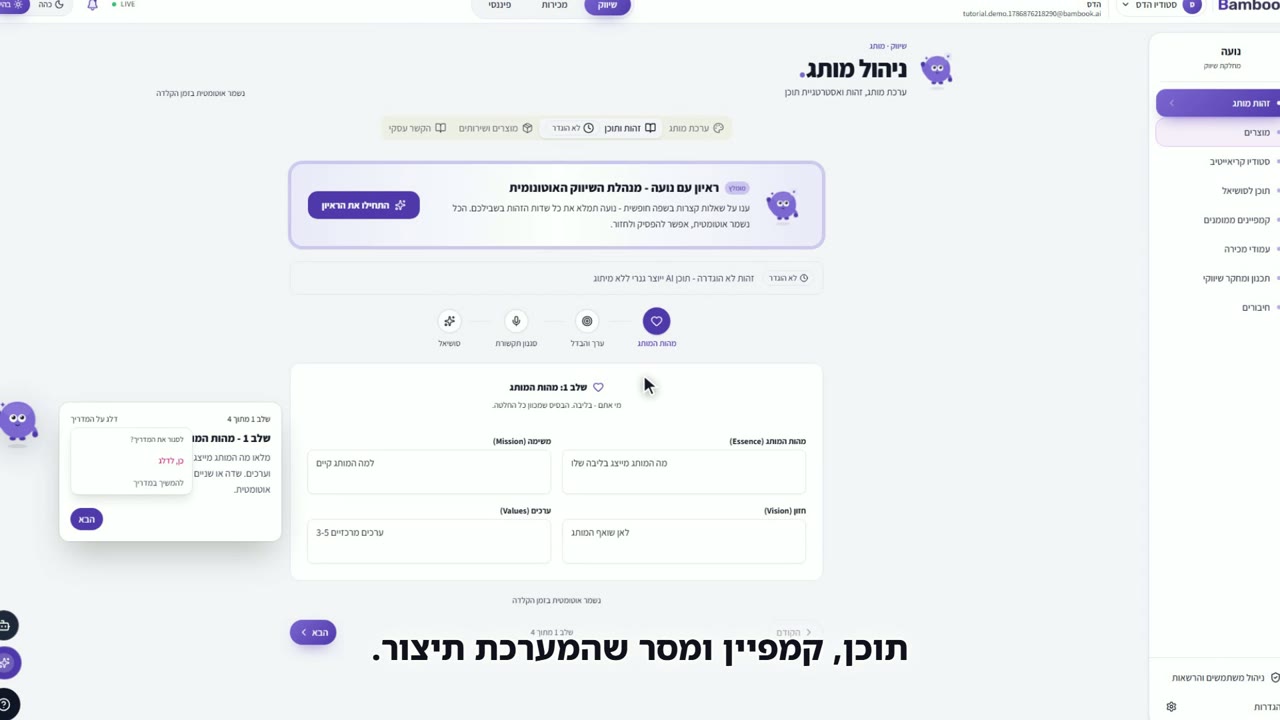
Brand identity: the interview with Noa
Two ways to fill in your brand identity - a ready prompt or a live chat interview.
 Step 41:00
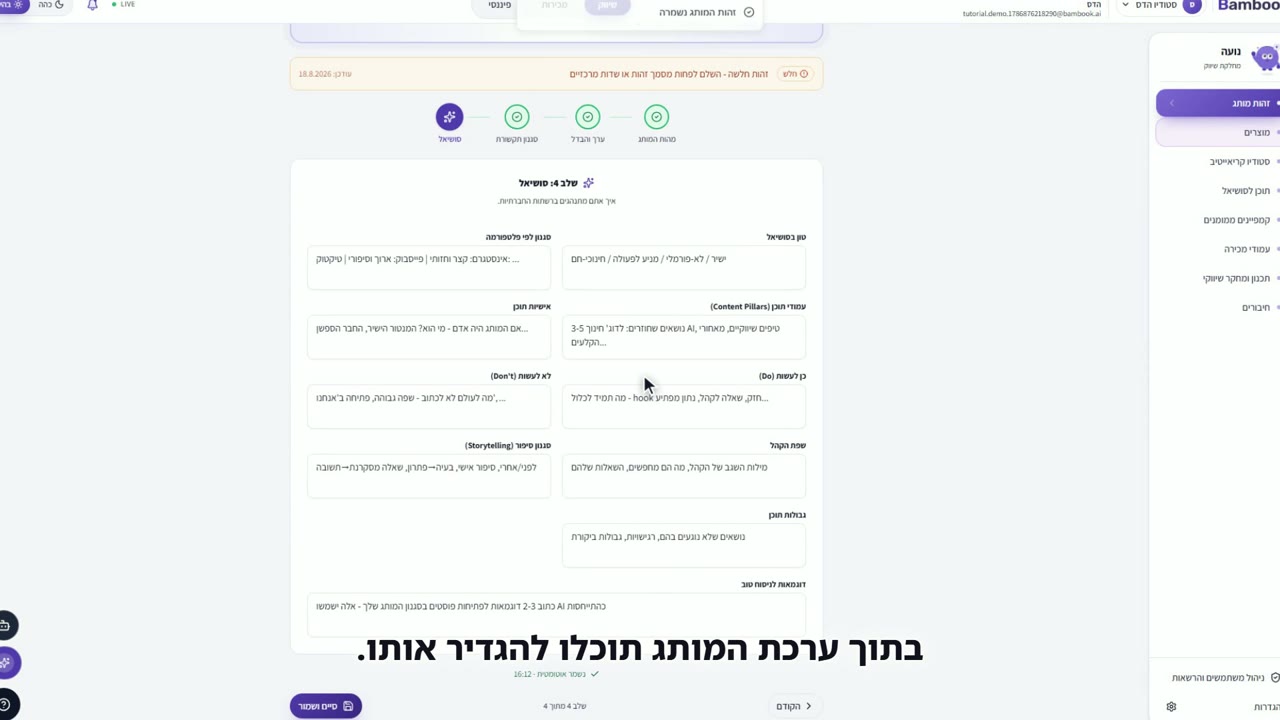
Your brand influencer
A consistent face for your brand - created by Bambook or from your own photo.
 Step 50:41
Logo and colors
Upload a logo and the system detects your brand colors by itself.
Popular guides
Does Bambook publish posts and send messages automatically?
Nothing goes out without your approval. Noa prepares the content and it waits in the content calendar for approval and scheduling. Direct publishing from the system is currently available for a connected TikTok account; for other platforms you copy the caption, download the graphic and upload manually. WhatsApp messages to leads are sent only when you click send.
Do I need technical knowledge to use Bambook?
No. Onboarding is a short conversation with Tal, brand identity is built in an interview with Noa, and every action is explained on screen. TikTok and WhatsApp connect through the platform's official login; only the Telegram bot takes a few manual steps, and the guide walks you through them.
How long does it take to set up my business?
About 10 minutes: sign-up and email confirmation, seven onboarding questions with Tal, and the brand identity interview with Noa. Then add at least one product and Noa can start creating content.
Who are Noa, Tal and Ido?
Bambook's three AI characters: Noa runs marketing (content, brand, campaigns), Tal runs sales (leads, scripts, follow-up) and Ido runs finance (pricing, profitability, forecasts). Each works in its own department in the side menu.
What are AI credits and what happens when they run out?
Every business has a shared monthly credit quota that resets on the 1st of each month. Images, videos, marketing research and campaign builds consume credits; text, chat, scripts and planning are free. When the quota runs out, credit-consuming actions are blocked until the reset while text actions keep working. Your balance is shown in Settings under "AI credits".
Did not find an answer?
The Bambook support team replies within one business day. Tell us what you tried to do, on which screen, and attach a screenshot if you have one.